Built-in tags.
Ready-made labels available on every menu, so you don’t start from a blank list.

Features
Built for the people behind the counter — not a tour of guest-facing benefits you already know.
Menu content
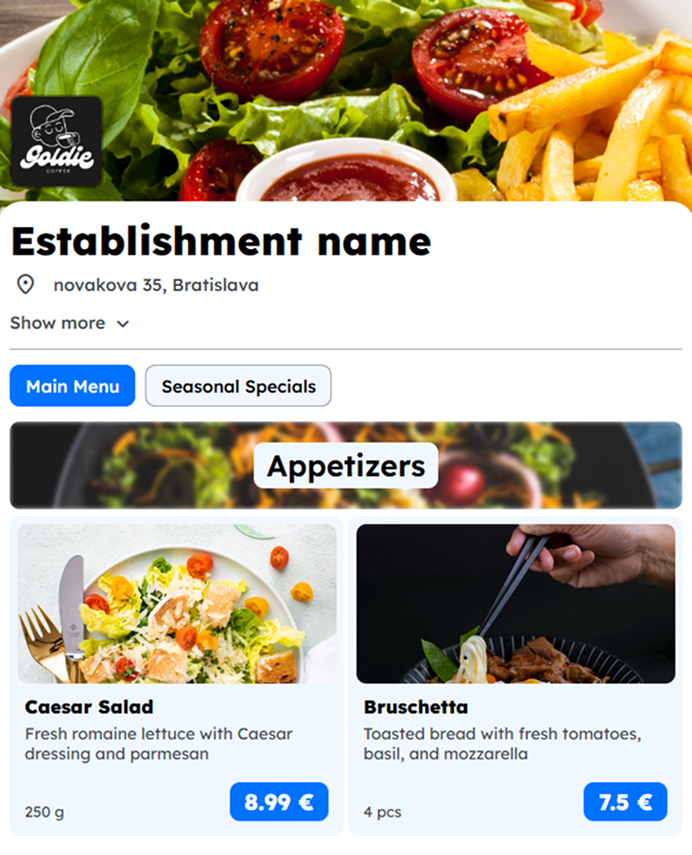
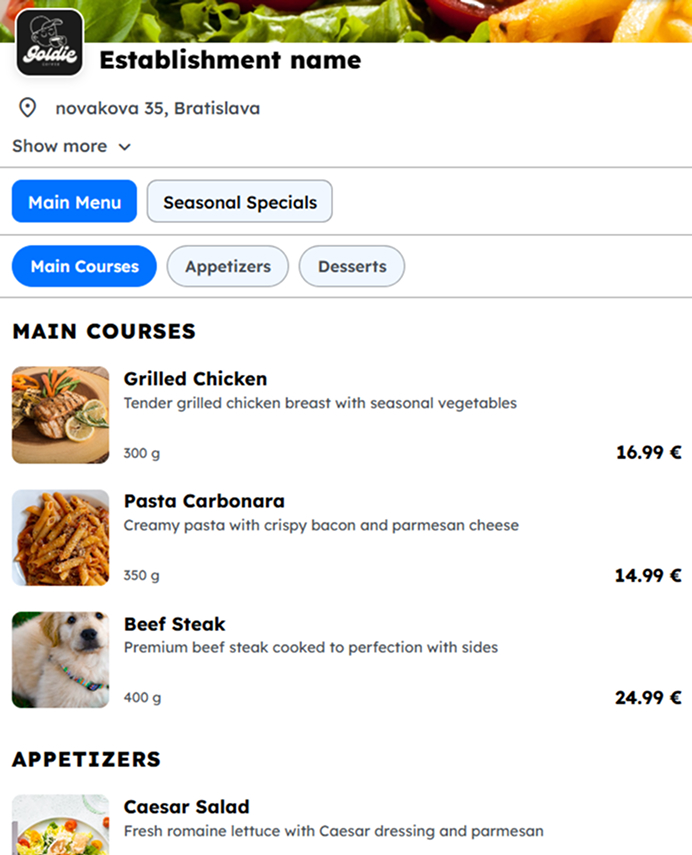
Build the structure once, then change prices, hide a sold-out dish, or shuffle the order without reprinting anything.
Look and layout
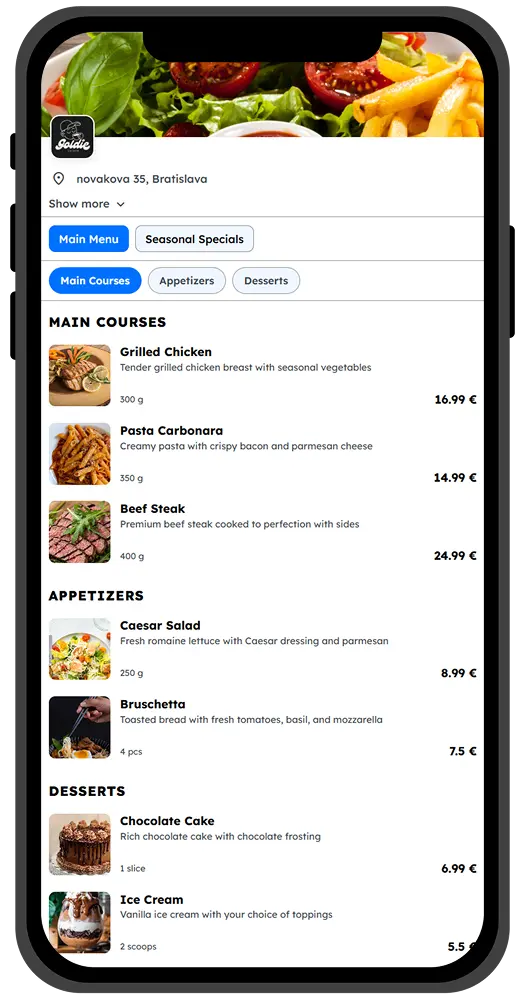
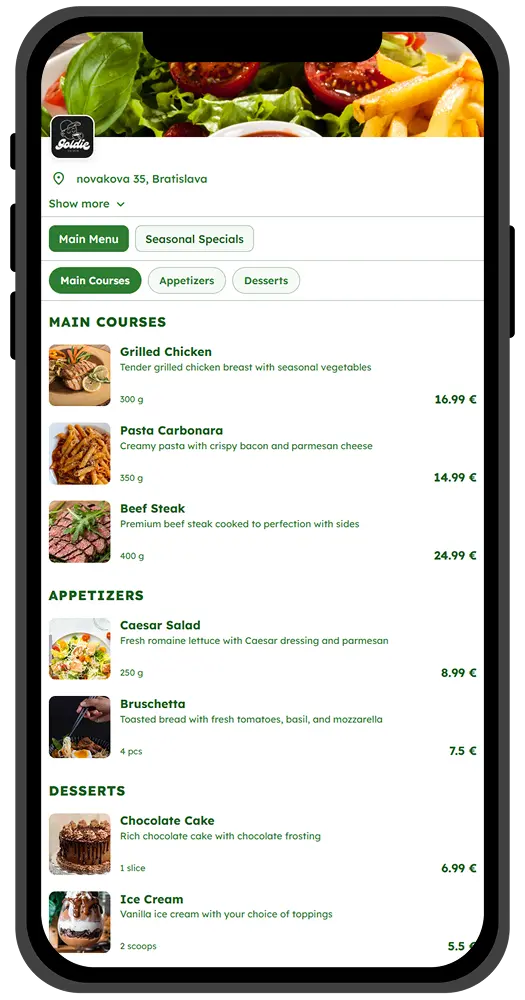
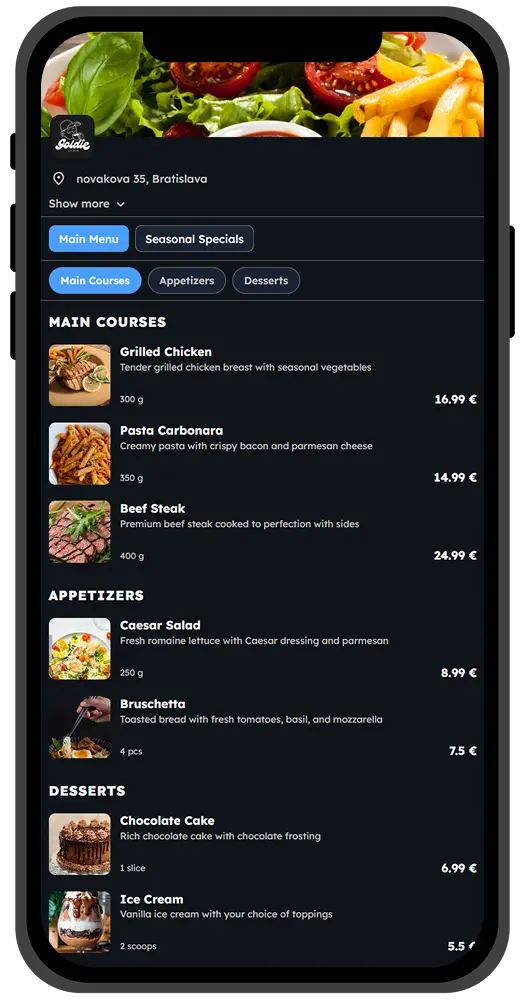
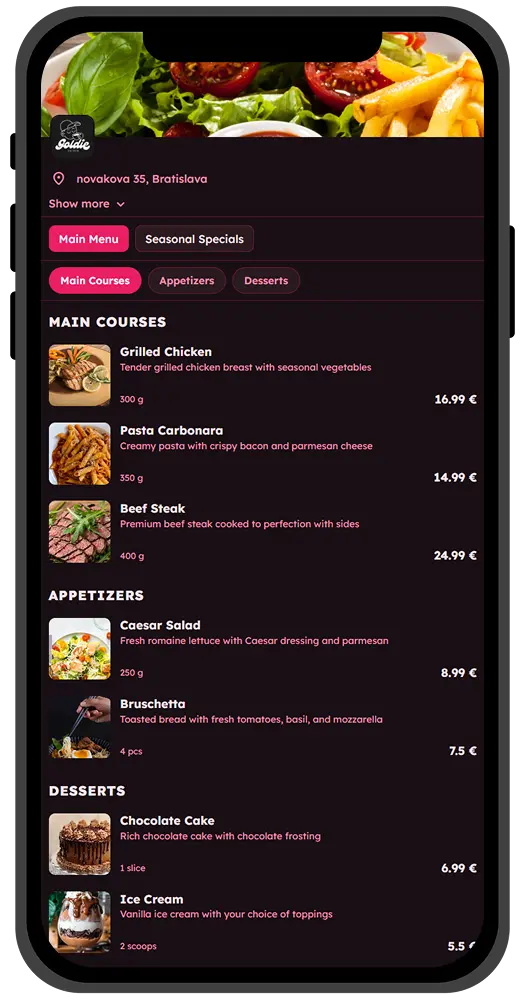
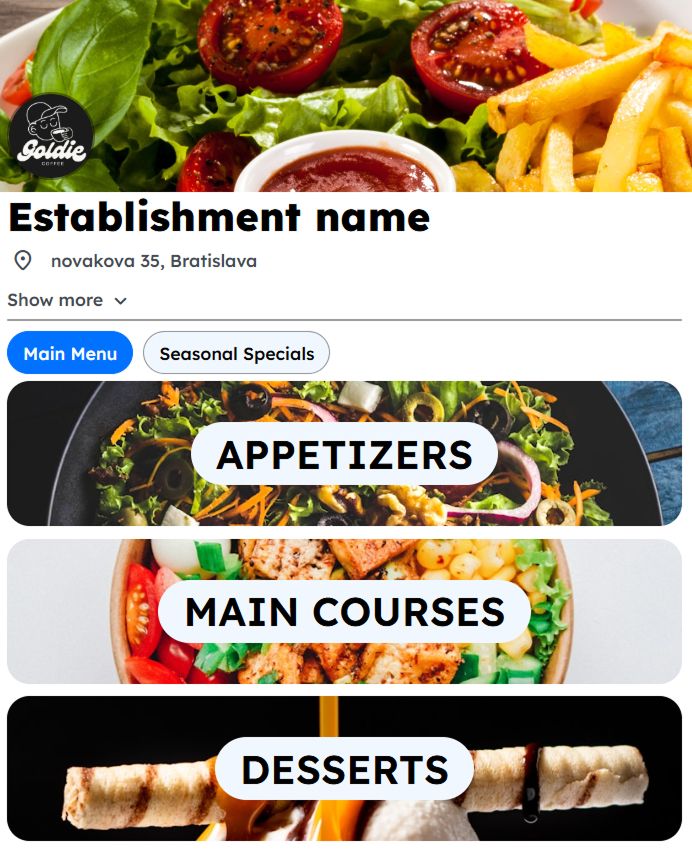
Theme and template are one decision: colors that match the room, and a layout that fits how guests browse.
Themes
Templates
Item tags
Mark vegetarian, spicy, or your own house labels so the menu is easier to scan in a hurry.
Ready-made labels available on every menu, so you don’t start from a blank list.
Add house labels that match how you talk about the food.
Guests see the tags next to each dish — no extra explanation needed at the table.
Team
Invite people who already work the floor so updates don’t wait on whoever has the password.
Send an invitation by email and they join the establishment from their own account.
Several people can keep the menu current during service.
Each person signs in as themselves — no shared inbox, no shared password.
Share
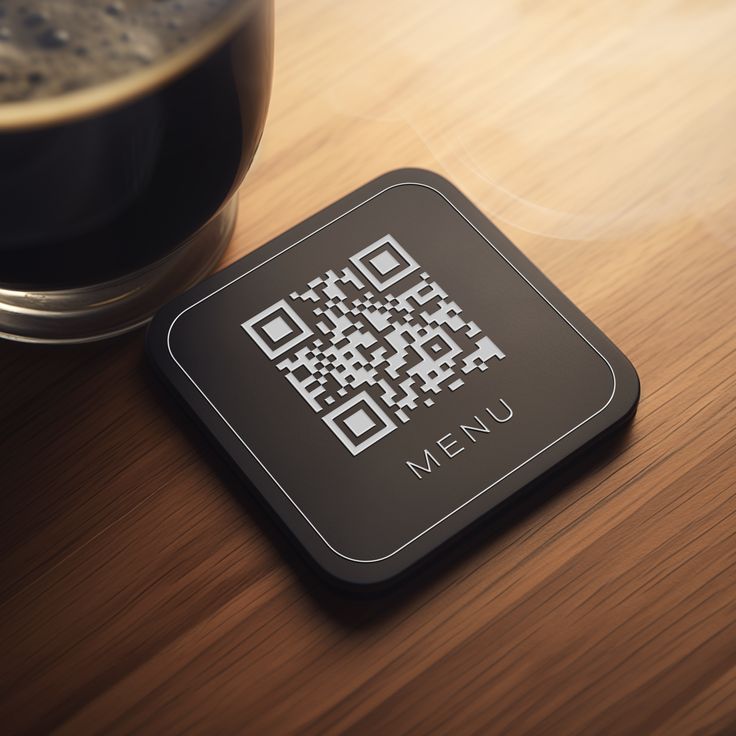
Download a QR code, print it, and guests open the live menu in their browser. When the food changes, you edit the menu — the code stays the same.
Create your first menu for free, or head back to the homepage.